CCIS is now OTC! To streamline your ordering process and improve your customer experience we are redirecting you to OTCindustrial.com
CCIS Industrial Sales is North America's leading finishing distributor with top-of-the-line finishing products, parts and expert service. Our finishing experts are here to support you throughout the lifecycle of your finishing equipment. We offer a wide range of service, solutions and repair.
Phone: 615-230-4444
Fax: 615-230-4446
Locations:
1110 Gregory Drive
Gallatin, TN 37066
CCIS is now OTC! Learn how OTC can help support your business.
Services
With 20+ years of experience providing turnkey finishing system solutions – from concept to installation – CCIS has the expertise and resources to help you integrate next-generation technologies that improve reliability, increase efficiency and enhance the quality of your end-product.
Our engineers have worked with top names across many industries like Honda, Hunter Douglas, Gibson Guitars, Carrier Corporation and many others to create custom finishing systems. In addition to our highly skilled engineers, CCIS’s status as a top distributor of finishing products means that we’re here to support you long after system start-up. We’re here for the life of your finishing system.
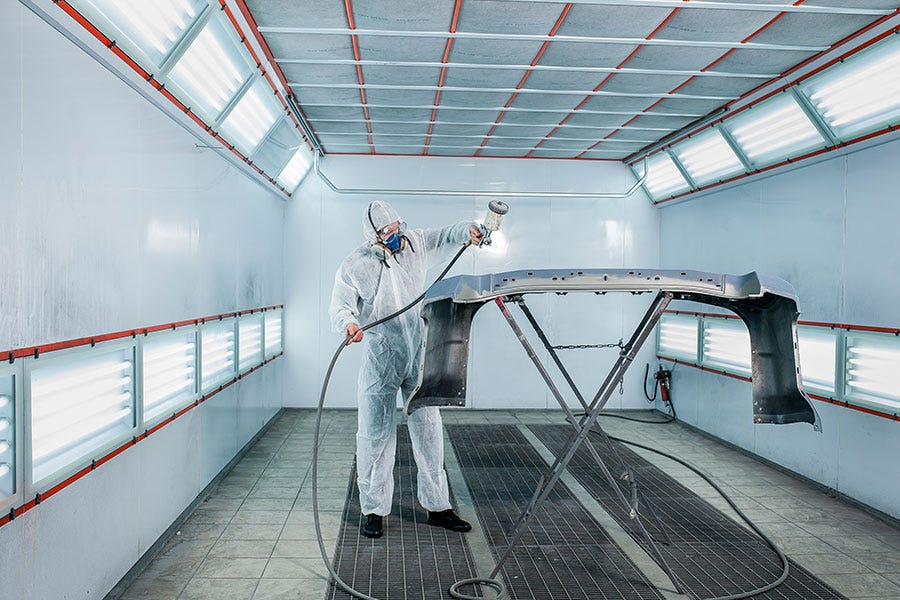
Heading into our third decade of robotic and automation system design and installation, CCIS has the experience and expertise to provide comprehensive, custom, turnkey finishing systems. To ensure your project's success, our engineers work with you from the initial consultation all the way through to the final system training.
This in-house engineering expertise combined with long-term relationships with top manufacturers like Fanuc, Allen-Bradley, Ransburg and many others means our customers receive the most advanced and customized automated finishing systems available.
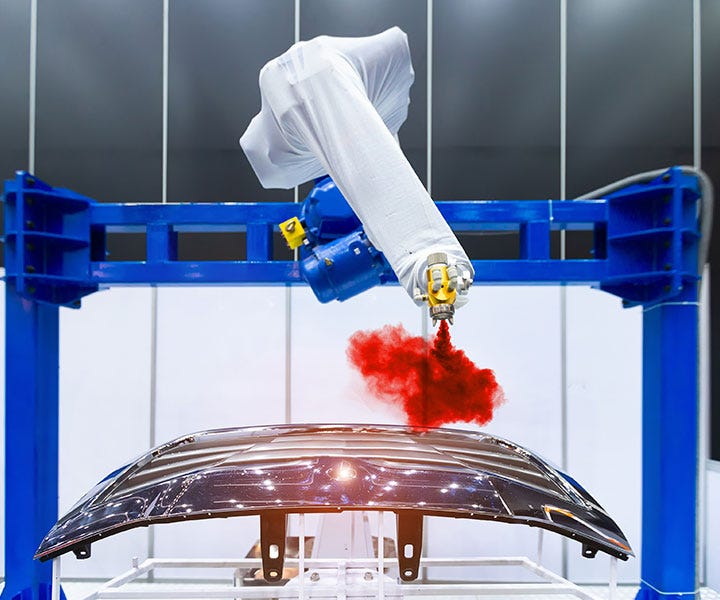
You can save significant operational and organizational costs by partnering with a single source for your system design. Our project managers can coordinate all internal resources and outside vendors into one schedule to mitigate conflicts. In addition to finishing systems, we can also simultaneously provide automation to further drive down costs.
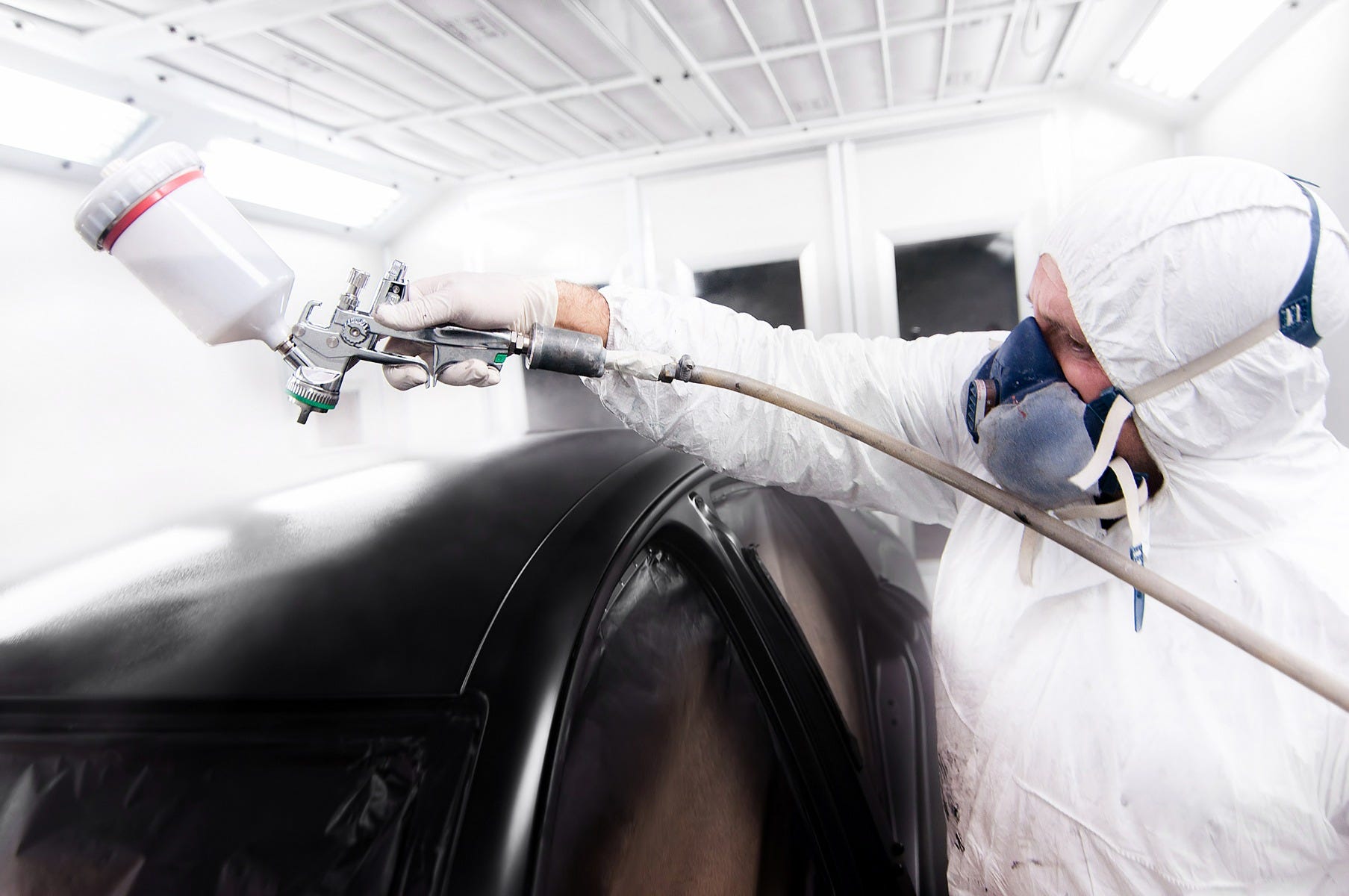
As a leading provider of turnkey finishing systems and services, CCIS emphasizes the importance of high quality system components that meet or exceed all regulatory requirements. We’ve installed hundreds of systems and can find opportunities to minimize floor space, improve part quality or increase parts produced per hour.
Products
Spray Guns
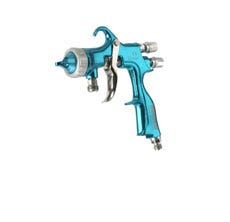
CCIS offers a wide variety of fine paint spray guns to our customers. We carry top spray gun brands such as Bink and Devilbliss. Built to provide outstanding coating atomization, our products maintain EPA compliance while producing superior finish performance.
Dispense
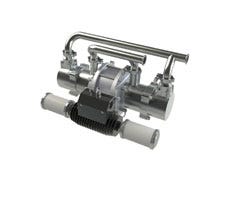
With the largest selection of dispense valves and meter mix technology solutions CCIS cater for all your dispensing applications. We provide a variety of vendors for finishing equipment, sealants and adhesives, protective coatings, process equipment, and diaphragm pumps.
Pressure Tanks
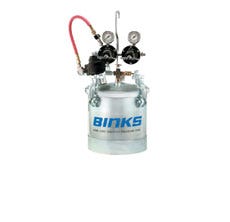
CCIS offers wide variety of pressure tanks. Pressure pots are a crucial to achieving the right pressure before the paint reaches the spray gun. Available in 2-60 gallons, with and without agitators. They also allow for different feed methods.
Pumps
CCIS engages our local in-house repair shops so you don’t have to worry about the operation of your pumps. As your industrial pump supplier, CCIS enables you to continue to reduce your vendor base while keeping the technical support you require to keep your equipment running properly.
Industries
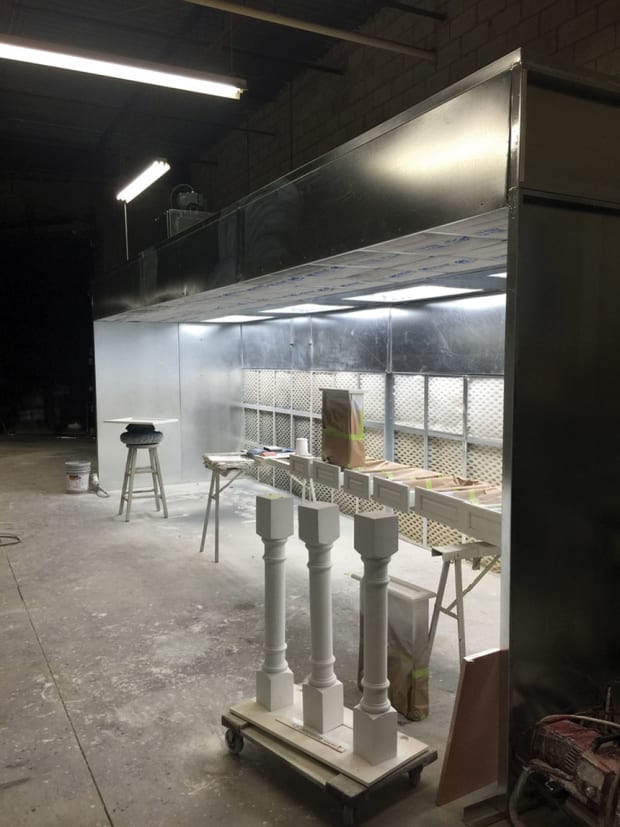
Industrial finishing is an important part of the wood products and furniture industry. Appearance and protection of the wood surfaces is an important feature of the product. Wood finishing is one of the last processes in the manufacture of furniture or cabinets and the first thing seen on the retail floor. CCIS can help you with all your wood finishing projects with our great vendors and expert sales people.
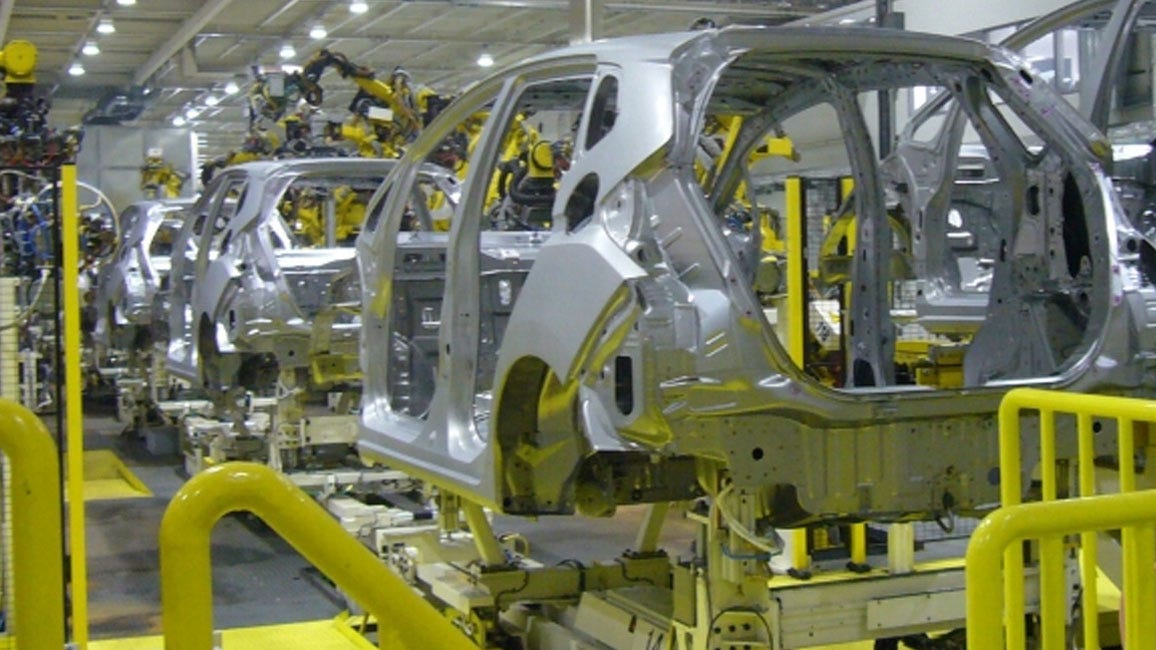
As an award-winning Tier 1 supplier to top automotive manufacturers, we understand that the automotive industry is volatile to say the least. It’s good to know you can count on a Tier 1 supplier to help you achieve your critical cost, quality and delivery goals. In addition to supplying the quality products, equipment and parts you need to manufacture your products, CCIS can help you keep your plant running and improve your business’ efficiency. We offer services and support designed to eliminate your downtime, reduce your on-hand inventory, control your costs and meet your energy reduction goals.
At CCIS, the broad range of products we supply, and support combined with the superior technical expertise and knowledge of our people, has allowed us to become an invaluable partner to companies in a wide range of industries. CCIS can provide the solution. Whether your main concern is weathering exceptionally tough conditions or ensuring consistent and precise output, we have solutions to handle the demands of your industry. We’re a one-stop shop that can equip your plant with products and deliver service offerings ranging from reliable front-end project engineering support to responsive maintenance and repair, effectively minimizing unexpected downtime.
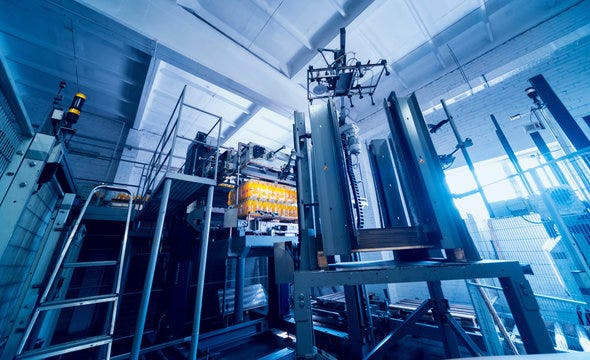
CCIS provides the most comprehensive line of paint booths and finishing systems for the agricultural industries. Offering high-quality, long-lasting solutions, CCIS is the preferred source of paint booths and finishing systems for large equipment and vehicles. Our paint booths and finishing equipment allow businesses to produce a superior quality finish in the most efficient manner. In addition to a complete line of pre-engineered paint booths, we offer custom solutions to meet customers’ specific configuration and usability requirements.

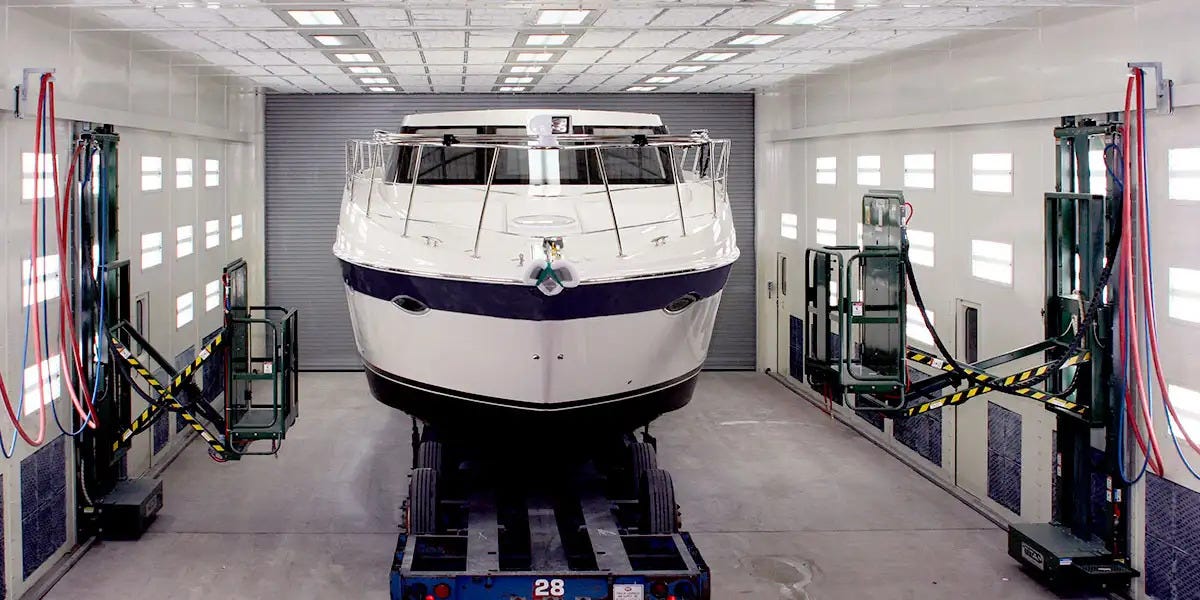
CCIS is a valuable source for your Boat finishing needs. Choose from standard catalogue paint booths to finish your yachts, barge, or any other type of vessel. Paint booths are also an integral part of boat yards performing maintenance and repair of marine components. Marine original equipment manufactures often rely on CCIS's solution specific engineering and designs to powder coat or paint new vessel at the assembly plant. CCIS also offers: sanding, grinding, gelcoat, layup and cure ovens for the composite boat industry. Rely on CCIS as your complete marine coatings equipment supplier.